

Google Shopping Ads
Google Shopping ads inOrlando
Showcase Products and Drive Sales with Visual Advertising
In Orlando, Google Shopping ads display your products with images and prices at the top of search results. This page covers Google Shopping campaign management services that showcase products visually and drive qualified e-commerce traffic. These services work for online retailers, local stores with inventory, and e-commerce businesses wanting product visibility and sales. We start with product feed setup and optimization, then campaign management and performance tracking. Increase product visibility and sales through advertising agency expertise in Google's visual shopping platform.







Google Shopping Ads Cost Varies by Product Competition, with Most Orlando Retailers Paying Per Click
E-commerce businesses and retailers in Orlando evaluate Shopping ads investment versus other channels. Costs depend on what you sell and who else sells it. Pay-per-click model means you only invest when potential customers show interest by clicking your product.
Orlando retailers competing with national brands need strategic bidding to appear for local pickup and delivery searches. Amazon and major retailers dominate many product searches. Our paid media services help local businesses compete by emphasizing immediate availability, local pickup, or same-day delivery that online-only competitors cannot match.
Click costs vary widely by product category. Low-competition niche products may cost $0.30 to $0.80 per click. Popular categories like electronics, apparel, or home goods typically cost $1.00 to $3.00 per click. High-demand products during holiday seasons can exceed $5.00 per click.
Product value affects acceptable costs. High-margin items justify expensive clicks. If you profit $50 per sale and convert 10 percent of clicks, you can afford $5.00 per click profitably. Low-margin products need cheaper clicks to maintain profitability.
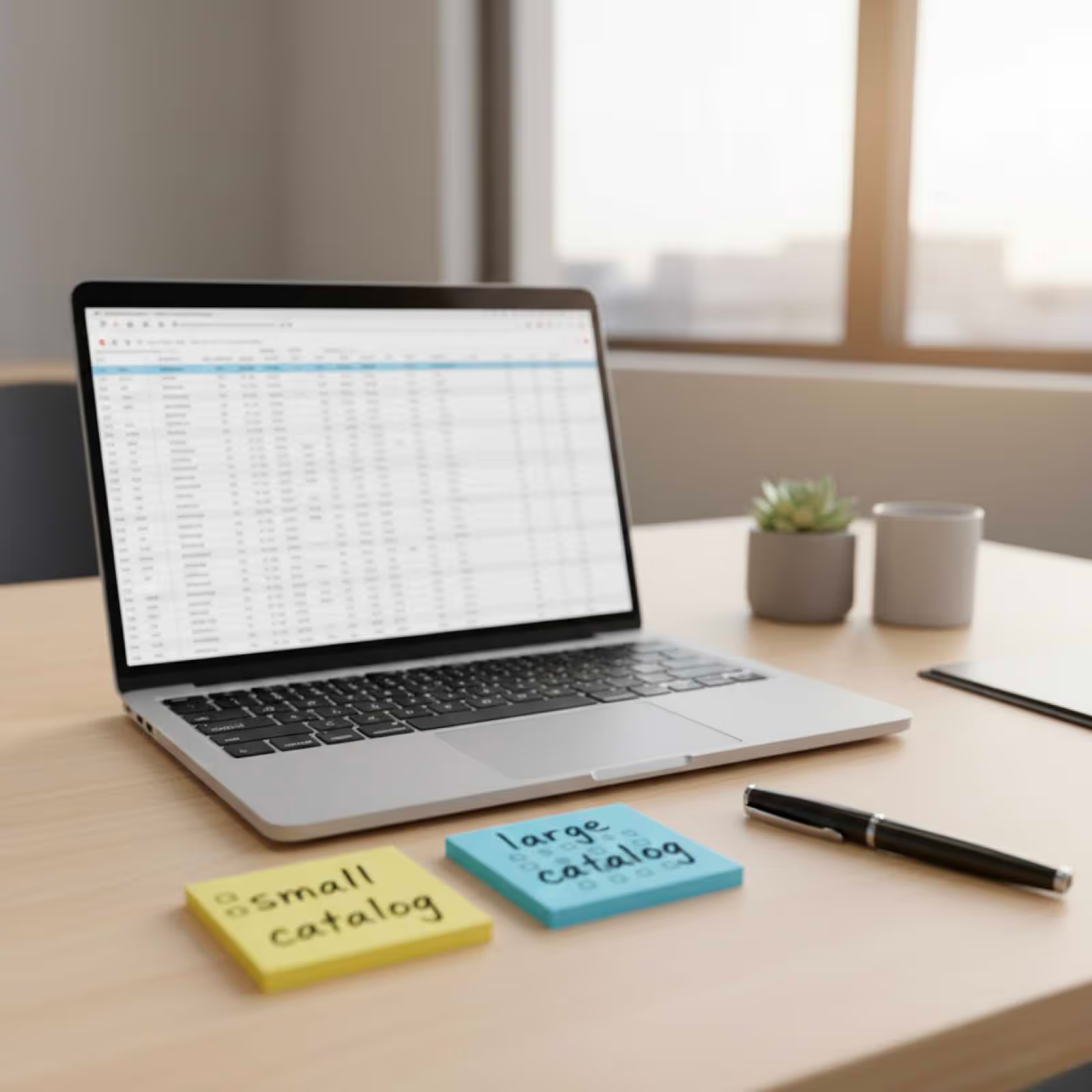
Catalog size influences budget needs. Small catalogs with 20 to 50 products need less budget than large catalogs with 500-plus products. Each product needs sufficient budget to test performance. Spreading $500 across 500 products provides inadequate exposure per item.
Bidding strategy affects costs and visibility. Automated bidding optimizes for conversions but may bid aggressively. Manual bidding provides cost control but requires expertise. Most retailers use automated strategies with target ROAS (return on ad spend) goals.
Getting Google Shopping Ads Requires Merchant Center Setup, Product Feed Creation, and Campaign Configuration
Store owners in Winter Park and Baldwin Park want to advertise inventory online. The setup process involves multiple steps and technical requirements. Understanding setup requirements prevents delays and ensures products appear correctly in shopping results.
Local inventory ads help Orlando brick-and-mortar stores in Lake Noa and College Park show in-store availability. This feature lets customers see that products are available for immediate pickup at your nearby location. Local inventory ads bridge online search with offline purchase.
Merchant Center setup comes first. Create account at merchants.google.com and verify your website ownership. Merchant Center stores your product inventory and makes it available to Shopping campaigns. Complete verification within seven days to avoid suspension.
Product feed creation requires technical work. Feeds are files containing product data like titles, descriptions, prices, images, and availability. Create feeds manually for small catalogs or use e-commerce platform integrations for large inventories. Feed quality directly impacts ad performance.
Required attributes include unique product identifiers, titles, descriptions, links, image links, availability, prices, and brand names. Optional attributes like sale prices, product categories, and custom labels improve performance. Complete data helps Google match products to relevant searches.
Feed optimization improves visibility. Product titles should include brand, product type, key attributes, and relevant keywords. Descriptions need to be detailed and accurate. High-quality images show products clearly against white backgrounds. Better data means better performance.
Campaign creation happens in Google Ads after Merchant Center setup. Link your Merchant Center account to Google Ads. Create Shopping campaign, set budget and bidding strategy, and select which products to advertise. Campaigns go through review before appearing.


Google Shopping Remains Worth It for Product-Based Businesses Competing in Visual Search Results
Retailers in Dr. Phillips and Thornton Park question whether Shopping ads still deliver sales. Platform effectiveness varies by product type and business model. Visual format with prices helps qualified buyers click, leading to higher conversion rates than text ads.
Tourism-related products near International Drive benefit from Shopping ads showing to visitors searching on mobile. Tourists searching for souvenirs, beach gear, or vacation supplies see Shopping ads prominently. Visual format with prices helps quick purchase decisions while traveling.
Visual presentation attracts qualified clicks. Shoppers see product images, prices, and merchant names before clicking. This transparency filters out price shoppers and attracts buyers willing to pay your price. Text ads cannot convey this information as effectively.
High purchase intent drives conversions. Someone searching specific product names or types intends to buy soon. Shopping ads capture this demand effectively. Your product appears alongside alternatives, creating direct competition based on price, ratings, and availability.
Mobile shopping behavior favors visual ads. Smartphone users quickly scan images rather than reading text ads. Shopping ads' visual format performs especially well on mobile devices where most searches now occur. Orlando's tourist and local mobile searches benefit retailers.
Product comparison happens in results. Customers see multiple merchant options for the same product simultaneously. Competitive pricing, good reviews, and strong images help you win clicks. This transparency benefits businesses with competitive advantages.
Understanding Google Ads Billing Prevents Confusion About Why Your Credit Card Gets Charged
Business owners in Windermere and downtown Orlando get confused about Google Ads charges appearing on statements. Multiple Google services can charge cards, creating uncertainty. Clear billing knowledge helps you monitor spending, recognize legitimate charges, and manage budget effectively.
Multi-location Orlando retailers need to understand how consolidated billing works across different store campaigns. Running Shopping ads for multiple locations creates billing complexity. Understanding account structure and billing settings prevents surprises.
Google Ads charges appear under various names on credit card statements. Common descriptions include "Google Ads," "Google," or "GOOGLE*Ads." The exact wording depends on your bank. Charges reflect Shopping campaign activity plus any other Google Ads campaigns you run.
Billing timing follows threshold or cycle patterns. New accounts start with low billing thresholds around $50 to $100. When campaign spending reaches your threshold, Google charges your card. After establishing payment history, thresholds increase to $500 or more. Alternatively, charges occur at end of monthly billing cycles.
Automatic payments ensure uninterrupted service. Google charges your primary payment method when reaching thresholds. If primary card declines, backup payment methods get charged. Without valid payment, campaigns pause until payment resolves. Paused campaigns lose momentum and visibility.
Manual payment options provide complete control. Some businesses prefer prepaying before ads show. Load funds into account, then campaigns spend from balance. This method eliminates surprise charges but requires active monitoring to prevent balance depletion.
Disputed charges occasionally occur. If you notice unauthorized charges or billing errors, contact Google Ads support immediately. Most issues stem from misunderstanding rather than actual errors. Review account activity showing what campaigns generated charges.

Professional Shopping Campaign Management Optimizes Product Feeds and Bids for Maximum Sales
E-commerce businesses in Avalon Park and Metrowest with large catalogs need expert management. Running effective Shopping campaigns requires ongoing optimization. Agencies optimize product titles, descriptions, and bids to improve visibility and reduce cost per sale.
Seasonal inventory common in Orlando tourism market requires strategic budget shifts that professionals manage efficiently. Summer beach products, hurricane supplies, theme park gear, and holiday items all peak at different times. Expert management allocates budget to match seasonal demand patterns.
Feed optimization improves product visibility. Agencies enhance titles with relevant keywords shoppers actually search. Better titles mean appearing for more relevant queries. Description optimization provides detail that helps Google understand products and match them to searches.
Image quality affects click-through rates dramatically. Professional product photography with clean backgrounds and multiple angles outperforms amateur images. Agencies often recommend or provide photography services to improve visual appeal.
Negative keyword management prevents wasted spend. Shopping campaigns trigger based on Google's interpretation of product data. Adding negative keywords stops ads from showing for irrelevant searches. This refinement improves budget efficiency.
Bid optimization balances visibility and profitability. High-value products deserve aggressive bids while low-margin items need conservative bidding. Agencies analyze performance data to set product-level bids that maximize total profit rather than just sales volume.
Campaign structure affects performance. Segmenting campaigns by product type, margin, or performance enables targeted optimization and budget allocation. Proper structure makes identifying problems and scaling winners easier, whether you're managing shopping ads or coordinating press release distribution efforts.
Performance analysis guides strategic decisions. Regular reviews of metrics like click-through rates, conversion rates, and return on ad spend identify opportunities. Data-driven optimization compounds improvements over time.
Frequently Asked Questions
How do Orlando retailers get Google Shopping ads?
Set up Google Merchant Center account at merchants.google.com and verify your website ownership through meta tag or Google Analytics. Create product feed containing inventory data including titles, descriptions, prices, images, and availability. Upload feed to Merchant Center manually or through e-commerce platform integration. Link Merchant Center account to Google Ads account. Create Shopping campaign in Google Ads, set budget and bidding strategy, and select which products to advertise. Campaigns undergo review process before products appear in Shopping results.
Is Google Shopping worth it for Orlando businesses?
Yes, for product-based businesses selling online or offering local pickup. Shopping ads show visual inventory to high-intent buyers actively searching for products. Visual format with prices attracts qualified clicks from people ready to purchase. Conversion rates typically exceed text ads because shoppers see products before clicking. However, competitive product categories require adequate budgets and strategic management. Effectiveness depends on competitive pricing, quality images, and optimized product data. Most retailers find Shopping ads deliver strong return on investment.
How do I stop Google Ads from charging my account?
Pause all campaigns in Google Ads dashboard by changing their status from active to paused. This stops ads from showing and prevents new charges. Alternatively, remove payment method from billing section, though this prevents reactivation until you add payment again. Pausing preserves campaign settings and performance history while stopping charges. You can resume campaigns anytime by changing status back to active. Complete account closure requires contacting Google Ads support.
Why is my credit card being charged by Google Ads?
Google charges your card when campaigns reach billing threshold or at billing cycle end based on clicks your ads receive. Charges appear under names like "Google Ads" or "GOOGLE*Ads" on statements. New accounts have low thresholds around $50 to $100. After establishing payment history, thresholds increase to $500 or higher. If campaigns generate clicks, charges occur when reaching thresholds. Check Google Ads billing section to see transaction history and understand what activity generated charges.
Is $500 a month enough for Google Shopping ads?
$500 monthly works for small catalogs with low-competition products but limits results for larger inventories or competitive categories. At $1.00 average cost per click, $500 generates 500 clicks monthly spread across your product catalog. Small catalogs with 20 to 50 products might see adequate exposure. Large catalogs with hundreds of products cannot effectively advertise all inventory at this budget level. Most retailers need $1,500 to $3,000 monthly for meaningful results across substantial product selections.
Is $20 a day good for Google Shopping ads in Orlando?
$20 daily works for very small catalogs or initial testing but limits reach for most product businesses. At $1.00 per click average, $20 generates 20 clicks daily. Small inventories with 10 to 30 products might receive adequate exposure. Larger catalogs need more budget to give all products visibility. Most successful product businesses spend $50 to $150 daily for proper catalog coverage. Start with $20 for testing, then increase budget based on performance and available inventory.

Take the leap
Get in touch with us and see if we're a right fit. We'll show you exactly what needs to be done to help you dominate your business on Google Maps & Online.